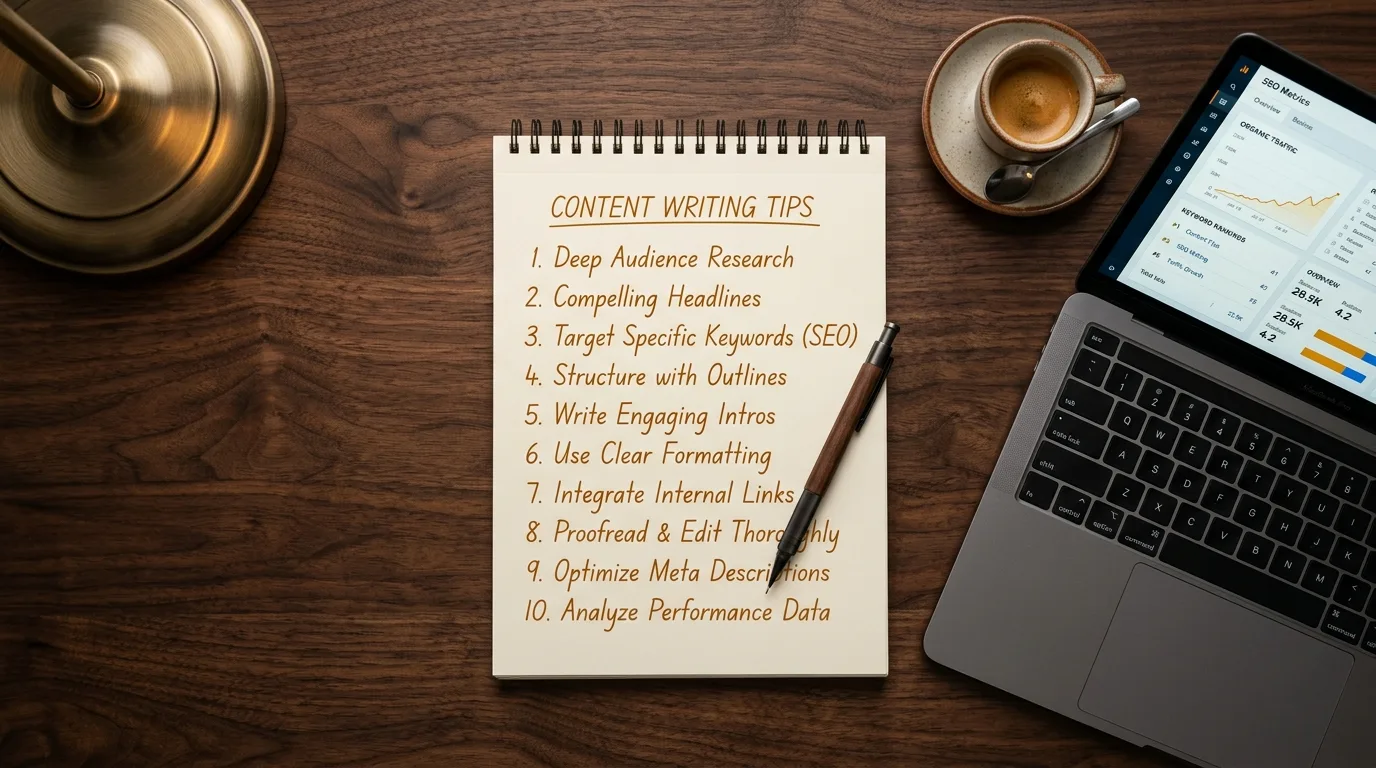
Content Writing Tips That Actually Improve Rankings
Last Updated: March 2026
"Write quality content." "Focus on your audience." "Be authentic." These are the content writing tips that fill most advice articles, and none of them help you rank. They're true in the abstract but useless in practice because they don't tell you what to actually do differently.
This list is different. Every tip below is specific, measurable, and directly tied to how search engines evaluate and rank content. These are the techniques we use in our own content creation process and for every post in our blog writing service.
1. Target Keyword Clusters, Not Single Keywords
A keyword cluster is a group of related search terms that share the same topic. Instead of optimizing one page for one keyword, you optimize it for 8-15 related terms: primary keyword, secondary variations, question keywords, and related subtopics.
Why this works: Google's algorithm evaluates topical coverage, not just keyword matching. An analysis of over 250,000 search results found that topical authority is now the strongest on-page ranking factor. A post that covers a topic comprehensively, hitting multiple related terms naturally, signals depth that a single-keyword post can't match.
We cover the full cluster-building process in our guide on how to write an SEO-friendly blog post.
2. Match Your Content Format to Search Intent
Before you write, Google your target keyword and look at what's ranking. Are the top results how-to guides? Listicles? Comparison tables? Product pages? Whatever format dominates page one is what Google has determined matches the searcher's intent. Your content should follow the same format.
If the top results for your keyword are all 2,000-word tutorials and you write a 400-word overview, you won't rank. Not because of word count, but because your format doesn't match the intent. Our complete guide to SEO content writing covers the four intent types and how to match each one.
3. Use Proper Heading Hierarchy
One H1 (your title), H2s for main sections, H3s for subsections. Never skip levels (don't jump from H2 to H4). Your primary keyword should appear in the H1 and at least one H2. Secondary keywords work naturally in other headings.
This isn't just for SEO. It's for readers. Headings are the first thing scanners read, and most online readers are scanners. Nearly 100% of page-one results include the target keyword in the title or H1. Good heading structure serves both audiences.
4. Write Scannable Paragraphs
Keep paragraphs to 2-4 sentences maximum. Lead each paragraph with the most important information. Use bullet lists and numbered lists for items that benefit from structure. Break up long sections with subheadings every 200-300 words.
Research on web readability shows users typically read only 20-28% of the text on a page. The content that performs best is the content that's easiest to scan. Short paragraphs, clear topic sentences, and visual breathing room keep readers on the page longer, which feeds back into ranking signals.
5. Add Schema Markup to Every Post
Schema markup is structured data that tells search engines exactly what your content is. Article schema identifies a blog post's headline, author, and publication date. FAQ schema can trigger expandable question-and-answer rich results directly in Google. According to Google's documentation, structured data helps Google understand the page and display it with enhanced features.
Most writers skip this because it requires working with JSON-LD code. It's one of the easiest ways to differentiate your content from competitors who don't bother. Our guide to SEO writing tools covers free schema generators that make this straightforward.
6. Build Internal Links with Descriptive Anchors
Every piece of content should include at least 3 internal links to other pages on your site. The anchor text (the clickable words) should describe what the reader will find, not say "click here" or "learn more."
A study of 2.5 million internal links found that articles with 3+ contextual links and varied anchor text saw 30% more organic traffic. Internal links build topical authority, help Google discover new content, and keep readers on your site longer. We covered the most common mistakes in our post on the internal linking mistake most small business websites make.
7. Cite Your Sources
Every statistic, data point, or factual claim in your content should link to its source. This serves two purposes: it builds E-E-A-T (Experience, Expertise, Authoritativeness, Trustworthiness) signals that Google's quality raters evaluate, and it makes your content more likely to be cited by AI search engines.
Content with verifiable citations has higher selection probability in AI responses from ChatGPT, Perplexity, and Google's AI Overviews. If you state a number or reference a trend, link it. Prioritize .gov, .edu, and major research institutions as sources. Google's helpful content guidelines explicitly evaluate whether content demonstrates expertise and trustworthiness.
8. Optimize Meta Tags for Clicks
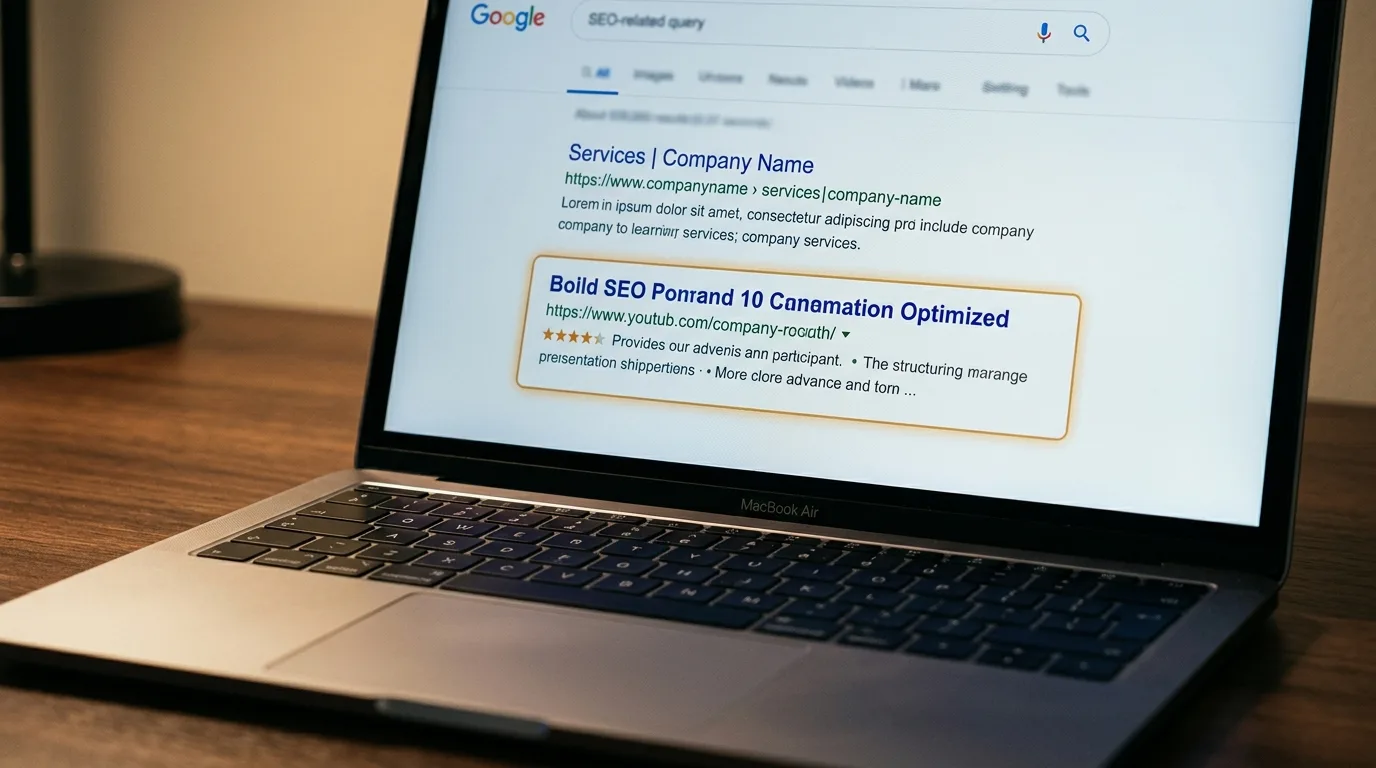
Your meta title should include the primary keyword and be under 60 characters. The meta description should summarize the content in 150-160 characters and give a reason to click. These aren't direct ranking factors, but they directly affect click-through rate.
Position 1 on Google gets a 39.8% CTR. Position 3 drops to 10.2%. A well-written meta title can be the difference between 1,000 visitors and 250 visitors from the same ranking position. Treat meta tags as ad copy for your search result.
9. Include an FAQ Section
Adding 4-6 frequently asked questions at the end of your content serves three purposes. First, it captures long-tail question keywords that your main content might not address directly. Second, with FAQ schema markup, it can trigger rich results in Google that take up more SERP real estate. Third, AI search engines frequently extract FAQ answers as standalone responses.
The questions should be real questions your audience asks, not invented filler. Check Google's "People Also Ask" section for your target keyword to find genuine questions worth answering.
10. Track Rankings for 60 Days After Publishing
Most writers publish and move on. But a blog post typically takes 2-4 months to settle into its ranking position for low-competition keywords. If you're not tracking, you can't know whether the content is working or what to adjust.
Google Search Console (free) shows which keywords each page ranks for, the average position, and click-through rate. Check at 30 days and 60 days. If a post isn't gaining traction, review the keyword targeting and search intent alignment. Sometimes a small title adjustment is all it takes.
The Common Thread
Every tip on this list shares one principle: be specific. Specific keywords, specific intent matching, specific structure, specific schema, specific measurement. Generic content writing advice produces generic results. The content that ranks is the content where someone did the specific, data-driven work that most writers skip.
If you want content that follows all 10 of these principles but don't have the time or technical knowledge to execute them yourself, our blog writing packages include every one of these elements starting at $39.95 per post.
Sources and References
- Google. (2025). Creating Helpful, Reliable, People-First Content. developers.google.com
- Google. (2025). Article Structured Data. developers.google.com
- Google. (2024). SEO Starter Guide. developers.google.com
- LinkStorm. (2025). 2.5 Million Internal Links Study. linkstorm.io
Voxel Phase provides SEO content writing starting at $39.95 per post. Every post includes keyword cluster research, schema markup, internal linking, and 60-day rank tracking. Also offering local SEO audits and SEO-optimized websites for small businesses in San Francisco, Oakland, the Bay Area, San Jose, and Sacramento. Order your first post.