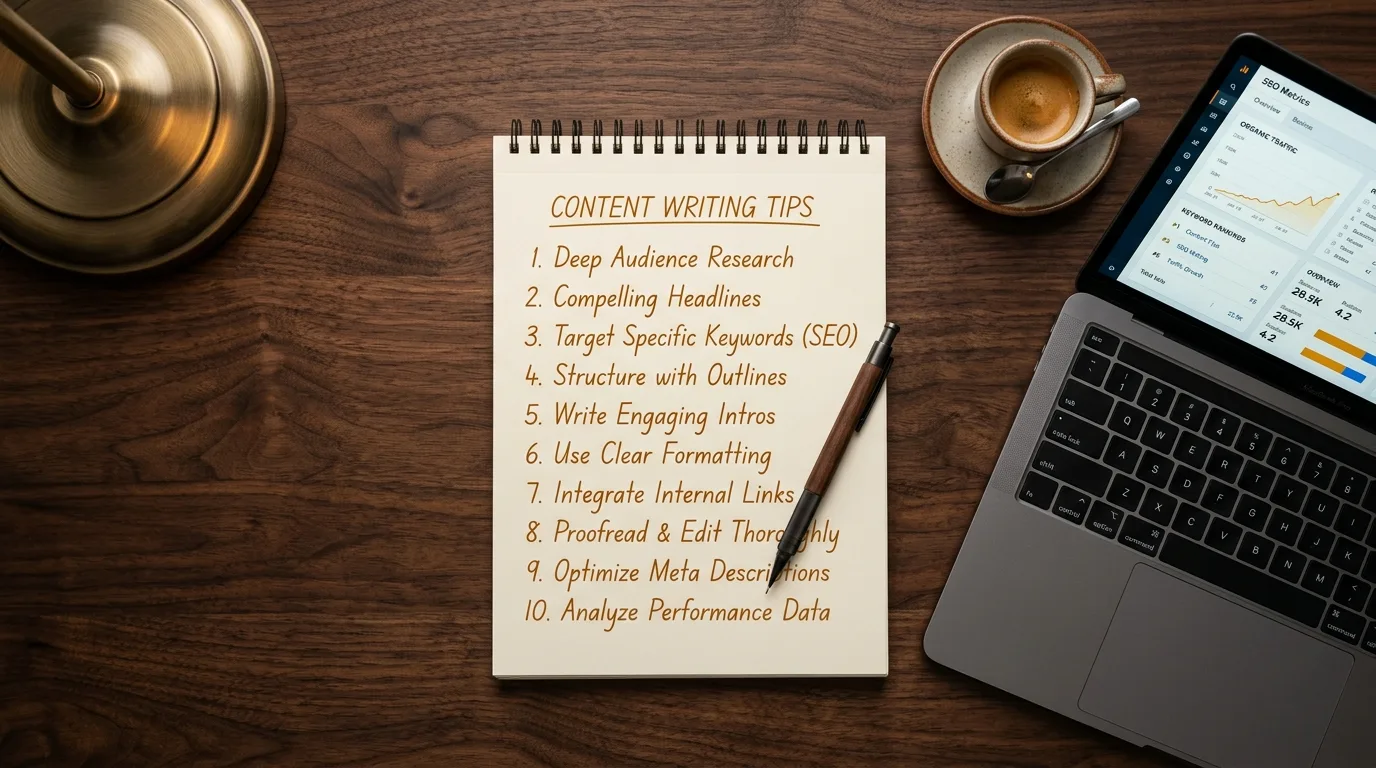
How to Write an SEO-Friendly Blog Post (Step-by-Step)
Last Updated: March 2026
Most blog posts never get a single visitor from Google. They're written on a hunch, published without structure, and forgotten. No keyword research, no schema markup, no internal links, no tracking. The writer did the hard part (writing 1,500 words) but skipped every step that makes those words findable.
This guide covers how to write an SEO-friendly blog post using the same seven-step process we follow for every piece of SEO content we produce. Whether you write it yourself or hand it to a writer, these steps are what separate content that ranks from content that sits on page 8.

Why Most Blog Posts Don't Rank
The average blog post length is roughly 1,300 words, according to Orbit Media's annual blogging survey. But length alone doesn't determine rankings. Google's algorithm evaluates over 200 factors, and the ones that matter most for blog content are relevance, depth, structure, and authority signals.
Here's what usually goes wrong:
- No keyword research. The writer picks a topic based on instinct, not data. The post targets a phrase nobody searches for, or one that's too competitive to rank.
- Wrong content format. The search intent is informational, but the post reads like a sales page. Or the intent is comparison-based, but the post is a tutorial.
- Thin content. The post covers the topic at surface level. There's nothing in it that a reader can't find in the first three results already ranking.
- No technical SEO. Missing schema markup, no internal links, generic meta tags, no heading hierarchy. Google can read the content but can't understand its structure.
If your website isn't showing up on Google, your blog content is often the fastest lever to pull. But only if you build each post on a foundation of keyword data and search intent analysis.
Step 1: Start with Keyword Cluster Research
A keyword cluster is a group of related search terms that share the same topic. Instead of targeting one keyword per blog post, you map the full cluster: primary term, secondary phrases, questions people ask, and related subtopics. A well-researched blog post targets 8-15 terms across the cluster, which gives Google multiple signals about what the page covers.
How to build a keyword cluster
Start with your primary keyword. This is the main phrase you want the post to rank for. Then expand outward:
- Secondary keywords: Variations and synonyms. If your primary keyword is "how to write seo-friendly blog post," secondaries might include "writing blog posts for seo," "seo content writing," and "seo optimized blog posts."
- Question keywords: What questions do searchers ask about this topic? "How long should an SEO blog post be?" and "Does blog formatting affect SEO?" are examples.
- Related subtopics: Concepts that naturally come up when covering the main topic. For SEO blog writing, that includes schema markup, internal linking, and search intent.
You don't need to stuff all these keywords into the text. Write naturally and cover the subtopics thoroughly. If your content is genuinely comprehensive, the secondary terms appear organically. Google's SEO Starter Guide says it plainly: use words that people would use to find your content, and place them in prominent locations like the page title and main heading.
What "keyword difficulty" means for your blog
Every keyword has a difficulty score (KD) that estimates how hard it is to rank in the top 10 results. A brand new blog should target keywords with KD under 20. An established site with some authority can target KD 20-40. Anything above 40 requires significant domain authority and a strong backlink profile.
Targeting achievable keywords is not a shortcut. It's strategy. Posts targeting keywords with difficulty under 15 typically rank within 2-4 months. Higher-difficulty keywords take 4-8 months or longer. Start with wins you can get, then build toward the competitive terms as your topical authority grows.
Step 2: How Do You Match Content to Search Intent?
Search intent is the reason behind a search query. It determines what format, depth, and angle your blog post needs. A post that doesn't match the intent of its target keyword won't rank, regardless of quality. Google's algorithms have become sophisticated enough to identify whether content satisfies the searcher's underlying need, not just whether it contains the right words.
The four intent types
| Intent Type | What the Searcher Wants | Content Format | Example Query |
|---|---|---|---|
| Informational | Learn something | How-to guide, explainer, tutorial | "how to write seo content" |
| Commercial | Compare options before buying | Comparison, review, buyer's guide | "best seo blog writing tools" |
| Transactional | Take action (buy, sign up) | Product page, service page, pricing | "seo blog writing service pricing" |
| Navigational | Find a specific site or page | Brand page, login page | "Voxel Phase blog writing" |
How to check intent before writing
The simplest method: Google your target keyword and study the top 5 results. Are they listicles? Step-by-step guides? Product comparisons? Videos? Whatever format dominates the first page is what Google has determined matches the intent. Your post should follow the same format, then do it better.
If the top results for "how to write seo content" are all long-form tutorials, don't write a 400-word overview. If they're comparison posts, don't write a narrative essay. Match the format, then differentiate on depth and quality.
Step 3: Study What's Already Ranking
Before you write a word, read what's already in positions 1 through 10 for your target keyword. This competitive gap analysis tells you what the existing content covers, what it misses, and where your post can provide more value.
What to look for
- Topic coverage: What subtopics do all top results include? These are table-stakes topics you must cover.
- Content gaps: What questions or angles do the top results miss? This is your opportunity to add unique value.
- Depth: How detailed are the sections? If every result gives surface-level answers, going deeper is a competitive advantage.
- Freshness: When were the top results last updated? Outdated content is easier to outrank with current data.
- Structure: Do the top results use tables, images, step-by-step formatting? Structure signals readability to both users and search engines.
The goal isn't to copy what's ranking. It's to understand the baseline, then exceed it. If the top result covers 5 steps and you cover 7 with more detail and better sources, you have a genuine reason to rank above it.
Step 4: Write for Humans, Structure for Google
The actual writing comes after research, not before. With your keyword cluster, intent analysis, and competitive gaps in hand, you know exactly what to write, how to structure it, and what depth to aim for.
Heading hierarchy
Use one H1 (your title), H2s for main sections, and H3s for subsections. Your primary keyword should appear in the H1 and at least one H2. Secondary keywords work well in other H2s and H3s. This heading structure isn't just for SEO. It helps readers scan the post and find what they need.
Paragraph structure
Keep paragraphs to 2-4 sentences. Online readers scan, they don't read linearly. Short paragraphs with clear topic sentences make your content easier to consume and more likely to hold attention. According to research on web readability, users typically read only 20-28% of the text on a page. Make every sentence earn its place.
Meta title and description
Your meta title should include your primary keyword and be under 60 characters. The meta description should summarize the post in 150-160 characters and include a reason to click. These aren't direct ranking factors, but they directly affect your click-through rate. The Google documentation on title links confirms that well-written titles help Google understand what a page is about.
Position 1 on Google gets a 39.8% click-through rate. Position 3 drops to 10.2%. A compelling meta title can be the difference between those positions in terms of actual traffic.
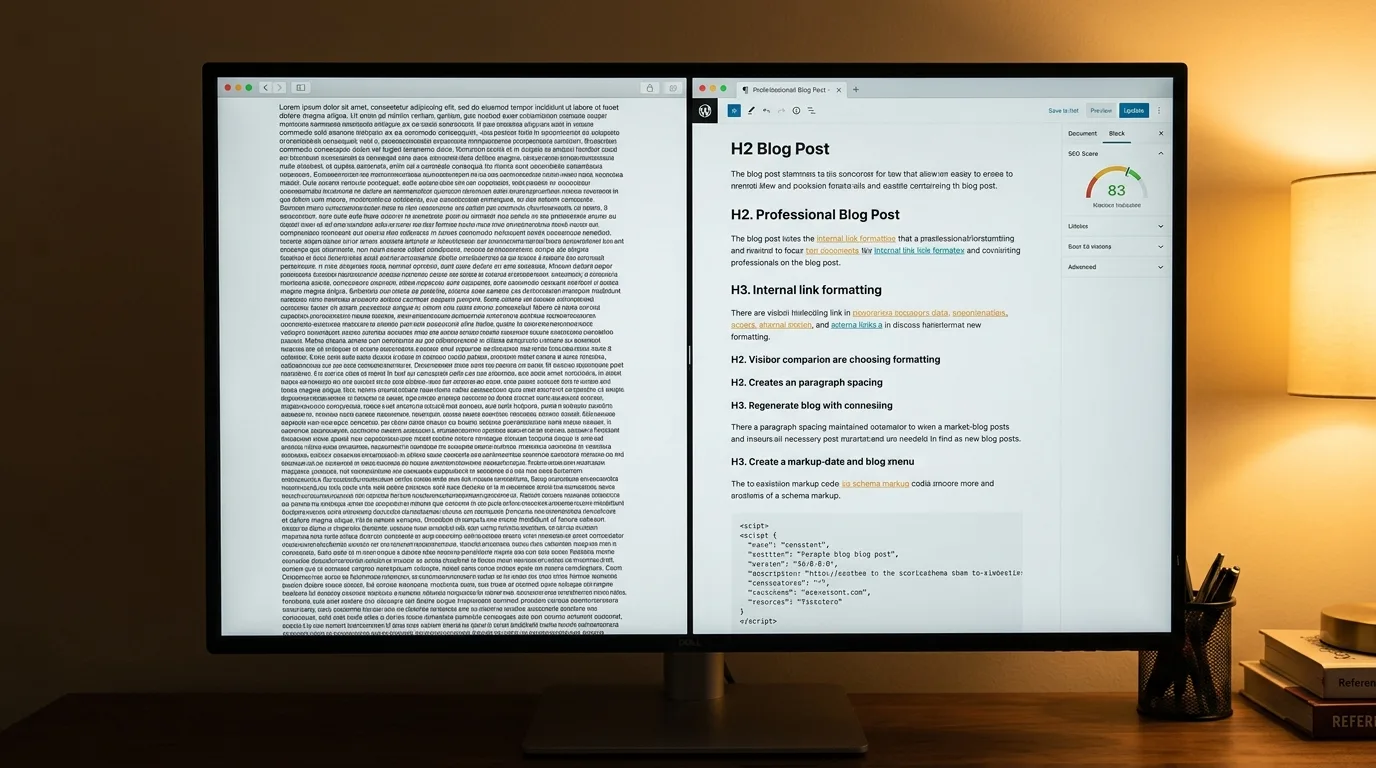
Step 5: Add Schema Markup (The Step Most Writers Skip)
Schema markup is structured data you add to your blog post's HTML that tells search engines exactly what the content is: an article, a how-to guide, a FAQ page. It doesn't change what readers see, but it changes how search engines interpret your content. According to Google's Article schema documentation, adding structured data helps Google understand the page and show it with enhanced features in search results.
What schema to add to every blog post
- Article or BlogPosting schema: Includes the headline, author, datePublished, dateModified, and featured image. This is the baseline for any blog post.
- FAQ schema: If your post answers common questions (and it should), FAQ schema can trigger rich results with expandable question-and-answer pairs directly in Google's search results.
- HowTo schema: For step-by-step content, HowTo schema tells Google exactly what each step is, which can trigger special formatting in search results.
Most blog writers and content mills skip schema entirely. It's a technical step that requires either a plugin or manual JSON-LD implementation. But it's one of the clearest differentiators between amateur and professional SEO blog writing. Every post we produce includes Article schema at minimum, with FAQ schema on pillar content.
"Structured data gives an advantage in search results."
- Google Search Team, April 2025 (source)
Schema also plays a growing role in AI search visibility. AI engines like ChatGPT, Perplexity, and Google's AI Overviews use structured data to identify entities, relationships, and factual claims on a page. A blog post with clean schema markup is easier for these systems to parse, cite, and recommend.
Step 6: Build Internal Links with Intent-Matched Anchors
Internal links connect your blog post to other pages on your site. They distribute ranking power, help Google discover and index new content, and guide readers to related resources. A strategic internal linking approach with three or more contextual links per article can increase organic traffic by 30% or more, according to a study of 2.5 million internal links across 1,700 websites.
How to do it right
Every blog post should include at least 3 internal links. But the quality of those links matters more than the quantity.
- Use intent-matched anchor text. The clickable text should describe what the reader will find, not say "click here" or "learn more." If you're linking to your content creation page, use anchor text like "content creation process" or "SEO content strategy."
- Link where it's contextually relevant. The link should appear at a point where the reader would naturally want to learn more about the linked topic.
- Build hub-and-spoke structures. Your pillar pages (service pages, comprehensive guides) should receive the most internal links. Supporting blog posts link to the pillar, and the pillar links back to the supporting posts.
We covered the most common mistakes in detail in our post on the internal linking mistake most small business websites make. The short version: random links with generic anchors waste the SEO value that strategic linking could deliver.
Step 7: Publish and Track for 60 Days
Publishing isn't the finish line. It's the starting point for measurement. A newly published blog post typically takes 2-4 months to settle into its ranking position for low-competition keywords. Higher competition keywords take 4-8 months. If you're not tracking where the post lands, you can't know whether it's working or what to adjust.
What to track
- Keyword rankings: Which target keywords is the post appearing for? What positions? Are they climbing or stagnant?
- Organic traffic: How many visitors is the post attracting from search? Is the trend upward?
- Click-through rate: Are people clicking your result when they see it? A low CTR might mean your meta title needs work.
- Engagement: How long do readers stay? Do they visit other pages on your site? These behavioral signals feed back into ranking calculations.
Google Search Console provides most of this data for free. Set up a tracking cadence: check at 30 days and again at 60 days. If a post isn't gaining traction after 60 days, review the keyword targeting and search intent alignment. Sometimes a small adjustment to the title or a restructured introduction is all it takes.
The Compounding Effect: Why Consistent Publishing Wins
A single well-optimized blog post can rank and drive traffic for years. But the real power of SEO content writing comes from consistency. Each post you publish adds another indexed page to your site, targets another cluster of keywords, and creates more internal linking opportunities. Over time, this builds topical authority: the signal to Google that your site is a comprehensive resource on a subject.
Zero-click searches now account for roughly 60% of all searches, largely driven by featured snippets and AI Overviews. But the remaining 40% still represents billions of monthly clicks. And the content that earns those clicks is the content that's structured, sourced, and comprehensive.
Two posts per month is a minimum for building momentum. Four posts per month is where topical authority starts compounding. If you have the bandwidth and budget, eight posts per month with pillar-and-cluster architecture can dominate a niche within 6-12 months.
If the process outlined above seems like more work than you expected, that's because it is. Writing SEO content that ranks requires research, technical knowledge, and consistent execution. That's the gap between "we have a blog" and "our blog generates leads." If you'd rather focus on your business and let the content work happen in the background, our blog writing packages follow this exact seven-step process for every post, starting at $39.95.
Sources and References
- Google. (2024). SEO Starter Guide: The Basics. developers.google.com
- Google. (2025). Article Structured Data. developers.google.com
- Google. (2025). Title Links in Google Search. developers.google.com
- Google. (2025). Top Ways to Ensure Your Content Performs Well in AI Search. developers.google.com
- Orbit Media. (2025). Annual Blogging Survey. orbitmedia.com
- LinkStorm. (2025). 2.5 Million Internal Links Study. linkstorm.io
- Search Engine Land. (2025). Schema and AI Overviews: Does Structured Data Improve Visibility? searchengineland.com
Voxel Phase provides SEO blog writing, local SEO audits, content strategy, and SEO-optimized websites for small businesses in San Francisco, Oakland, the Bay Area, San Jose, and Sacramento. Blog posts start at $99 per post. Order your first post and see the difference data-driven content makes.